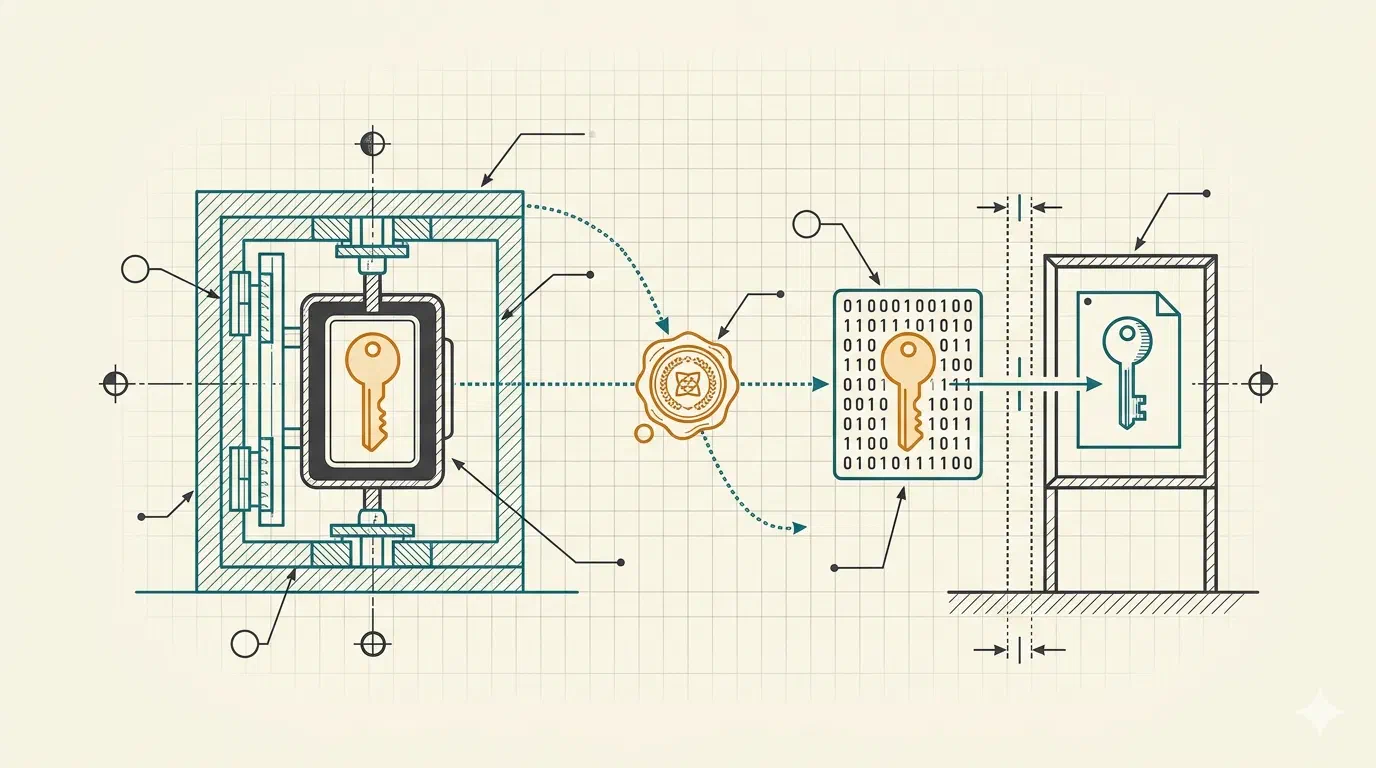
If your CLI tool can update itself, it has a decision to make that nobody is watching: when it pulls down a new version, should it trust what just landed? A checksum tells it the bytes match a manifest. It does not tell it who wrote the manifest. Close that gap and your users get updates they can actually trust; leave it open and a compromised release host can hand them anything it likes. This series is the end-to-end “how”, using the signing tooling built into go-tool-base.
By the end you’ll have a CLI that ships releases signed by a key you control,
verifies its own updates against that key, and does the whole thing with no
gpg wrangling and no long-lived secrets sitting in CI. We did the why and
the how it works in two deep-dives already, a signature the platform can’t
forge and
a signing key that never leaves KMS.
This is the use-it counterpart.
What you’re protecting against
Nobody’s coming to clean your supply chain, so it’s worth being clear about the threat before you spend an afternoon on the fix. A checksum file sits next to the binary on the same release page. Whoever can swap the binary can swap the checksum in the same breath, and the hash still matches. A signature is different: it’s made by a private key the release platform never holds, and verified against a public key your tool fetches from somewhere the platform can’t reach. To forge a release that passes, an attacker would have to steal a key that, done right, was never anywhere they could get at it.
That “done right” is the whole series.
Two paths through it
You don’t need a cloud account to start. The series runs in two stages:
- Learn it locally. Part 1 signs and verifies on your laptop with a plain key on disk. No AWS, no CI, no cost. It’s the fastest way to see every moving part for real.
- Do it for production. Parts 2 onward move the private key into AWS KMS, where it’s generated and never leaves, and wire your release pipeline to sign through it over short-lived OIDC credentials.
Each part stands on its own and ends with something that works. They build in order, but you can stop after Part 1 with a genuinely useful skill and come back for the cloud parts when you need them.
Before you start
You’ll want a CLI built on go-tool-base to sign. If you haven’t got one, the
Building a CLI with go-tool-base
series gets you there in an afternoon; this one picks up where releases come in.
You’ll also need the gtb CLI installed (the installation
docs have the one-liner), and for the
cloud parts, an AWS account and a GitLab or GitHub project to release from.
The parts
- Sign and verify on your laptop:
gtb keys generate,gtb sign, andgpg --verify, the whole loop with a local key. - A signing key in AWS KMS:
stand up an asymmetric KMS key with the
terraform-aws-signing-kmsmodule. - Keyless CI signing with OIDC: federate GitLab and GitHub into the signer role, no stored credentials.
- Mint and publish your public key:
gtb keys mintfrom KMS, thengtb keys wkdto publish it off-platform. - Embed the key and require verification: bake the trust anchor into your binary and turn enforcement on safely.
- Sign every release with GoReleaser: wire signing into a real tagged-release pipeline.
- Rotation and break-glass: the part everyone skips, and how to do it without locking anyone out.
Start with Part 1. By the time you reach the end, the chain runs from a key born in a vault to a binary on a stranger’s machine checking, on its own, that the update it just fetched is really yours.