You ship version one. A week later someone finds a bug, you fix it, you cut version
two. Now for the awkward part: how does the person who installed version one ever
get version two? Email them? Hope they wander back to the install page? For a CLI
that lives on people’s machines, “go and re-download it” is the answer that quietly
strands half your users on old, broken builds. This part closes that gap, and like
most of this series, the work is already done for you: your tool has shipped with an
update command since part 1.
As before, this is written against go-tool-base v0.6.0 (gtb version).
The command is already there
update is one of the default features, so it’s been in your binary all along.
Your users run:
mytool update
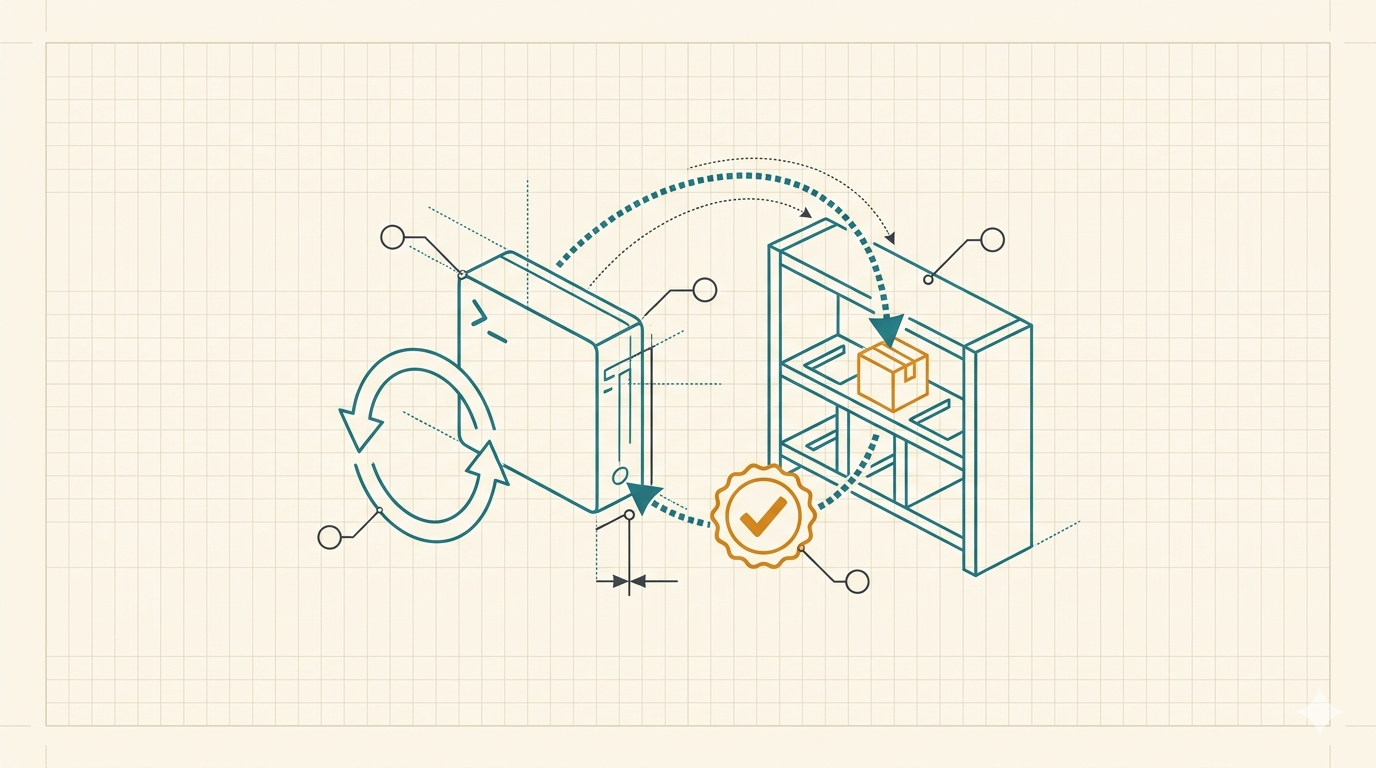
and the tool fetches the newest release, checks it, and replaces itself in place. No package manager, no re-download, no instructions. The rest of this part is about what that one command actually does, and how to make sure the binary it pulls down is the one you shipped.
Where it looks for releases
A tool can’t update itself without knowing where its releases live. That’s the
--repo you passed back in part 1: it filled in your tool’s release source, the
platform, owner and repository it checks. For --repo myorg/mytool that’s
github.com/myorg/mytool, and mytool update looks at that project’s releases.
go-tool-base speaks more than one platform here, GitHub, GitLab, Gitea, Codeberg, Bitbucket, or a plain HTTP server, so the same command works whether you publish on github.com or your own GitLab. If you ever need to point somewhere else (a mirror, a private host), the custom release source how-to covers it; for a private repository it reads a token the same way the rest of the tool does.
What update does, step by step
When a user runs it, the command walks a short, careful path:
- Resolve the latest release from your release source.
- Compare versions. It reads the version baked into the running binary and
compares it, as semver, against the latest. If you’re already current, it says
so and stops:
already running latest version, v1.2.0. (If your build somehow reports a version ahead of the latest published, it tells you off in character:your tardis travelled too far into the future...) - Download the right archive for the user’s OS and architecture.
- Verify it before trusting it (the next section).
- Replace the running binary with the new one, in place.
- Bring the config along. If your tool has the
initfeature (it does by default), the update then runs the new binary’sinitover the user’s config directory to fold in anything the release added.
That last step is easy to miss and matters more than it looks. A new version often
ships new config: a key for a feature you just added, a changed default. Rather than
leave the user a version behind, with code that expects settings their config file
has never heard of, update re-runs init against their existing config once the
swap is done, non-interactively (it passes --skip-login --skip-key, so nobody gets
re-prompted for a token). It’s the same initialiser system from
part 2,
reused: the merge keeps what the user set and adds what the new version introduced,
so the binary and its config move forward together. Turn the init feature off and
this step is simply skipped, there’s no config to keep in step with.
There are two flags worth knowing. --version v1.3.0 targets a specific release
instead of the latest, handy for pinning or rolling back. And --force updates even
when the version check thinks you don’t need to. Most of the time, a bare mytool update is the whole story.
Downloaded isn’t the same as trusted
A binary that arrives over the network is a binary you didn’t build on the machine
it’s running on, and a self-updater that swaps itself for whatever the server sent
is a lovely way to ship a corrupted or tampered build straight into your users'
hands. So before the swap, update verifies what it downloaded against a checksum
manifest, the checksums.txt GoReleaser produces alongside your binaries. If the
hash of the downloaded archive doesn’t match the one in the manifest, the update
aborts and nothing gets replaced.
By default this is best-effort: a release that ships a checksums.txt is verified,
but a release without one is updated with a warning rather than a hard stop. When you
want the guarantee, make it mandatory:
# in your tool's config
update:
  require_checksum: true
Now a missing or mismatched checksum is a refusal, not a shrug. I wrote up why this matters, and exactly what it does and doesn’t buy you, in verifying your own downloads.
The limit is worth stating plainly, because it’s the whole reason there’s a “part two” to this story. A checksum proves the binary matches the manifest on the same release page. It catches a corrupted download or a botched upload cold. What it cannot catch is an attacker who owns the release platform and swaps both the binary and its checksum in the same breath, because then the two still agree. Closing that gap needs a signature whose trust root the release host can’t reach, which is a different piece of machinery (and a post of its own). Signed self-updates are on the way for go-tool-base; until they land, checksums are the floor, and a worthwhile one.
Seeing it work without publishing anything
Here’s the catch with writing about self-update: you can’t update from a release you
haven’t published, and your tutorial tool isn’t on anyone’s GitHub. There’s a flag
for exactly this, meant for offline and air-gapped installs but perfect for a look
under the hood: --from-file installs from a local release archive instead of the
network.
Build a snapshot of your tool the way your release pipeline would (GoReleaser’s
--snapshot builds the archives without publishing), then point update at one:
goreleaser release --snapshot --clean
mytool update --from-file ./dist/mytool_Linux_x86_64.tar.gz
You’ll watch the same extract-and-swap the network path uses, with nothing published and no release source involved. It’s also genuinely useful in its own right, for shipping into environments that can’t reach the internet.
The real loop
In production the cycle is the one part 1 already set you up for. The project gtb scaffolds ships a GoReleaser config and a release pipeline, so the flow is:
- Tag a version and push the tag.
- CI builds the binaries for every OS and architecture, generates
checksums.txt, and publishes them as a release on your source. - Your users run
mytool updateand get it, verified.
You write git tag v1.3.0 && git push --tags; everyone who installed v1.2.0 is one
command away from the fix. That’s the whole point of putting the update channel
inside the tool: shipping a fix becomes tagging a release, and nothing else.
What this buys you
A tool that updates itself turns “please go and reinstall” into mytool update, and
a tool that verifies what it updates to turns “I hope that download was clean” into a
checked guarantee. Both came with the scaffold; the only work was understanding them.
The full reference, including the config keys and the per-platform release sources,
is in the
update command docs and the
auto-update concepts page.
Next part is the last one, and it’s about what happens after your tool is out there doing its job: telemetry and logging, so you can see how it’s actually being used without spying on the people using it. Until then, tag a release and watch your tool catch up to itself.